
Online Coloring: Interactive Apps, Coloring Games Online & Coloring Apps for Adults
Home > Online Coloring
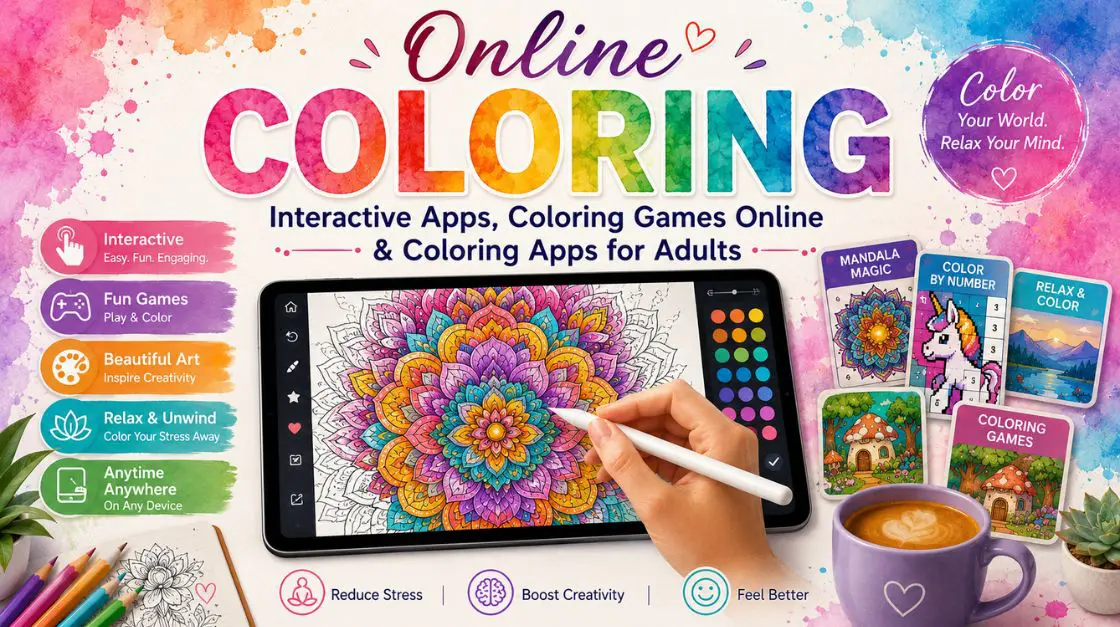
Welcome to your complete hub for online coloring apps and games. If you’re looking for a quiet five-minute break, a browser-based session, or an app you can carry on your phone, this page brings together everything you need in one place. We’ve organized free tools and premium apps side by side so you can start coloring today and decide for yourself whether you want more.
Online coloring has become one of the most popular ways to relax, practice mindfulness, or enjoy a creative hobby with minimal setup. Some people prefer browser-based coloring games they can jump into instantly with a mouse or touchscreen, no download required. Others prefer dedicated coloring apps for adults that live on a phone or tablet, ready for a commute or a few minutes before bed.
This page is built to answer your questions directly, whether you’re new to coloring on a screen or you’ve been doing it for years and want to explore apps with more depth. Below you’ll find free tools you can use right away, premium apps for when you want more features and control, and practical guidance on choosing between them.
Quick Answer
What can you get for free? Browser-based coloring games, a free color palette creator, and entry-level coloring apps that let you fill in a design with basic tools, no signup required.
What do premium apps offer? Saved progress and cloud sync, advanced brush and shading styles, expanded color libraries, the ability to upload your own coloring page and color it digitally, ad-free sessions, and export options for sharing or printing your finished work.
Who is each option best for? Free tools suit casual users, kids, classrooms testing an activity, or anyone who wants to try a digital coloring routine before committing. Premium apps suit hobbyists who color regularly, anyone who wants to save and revisit projects, or users who want more creative control than a basic tool offers.
When should you upgrade? Upgrade when you want to save your progress across sessions, when you’re tired of basic brush options, or when you want to upload your own coloring page instead of picking only from a built-in library.
In short: today’s options span free browser-based coloring games and casual apps, plus premium coloring apps for adults that add saving, richer styles, and more creative flexibility for people who color often.
No-Cost and Premium Coloring Apps
If you’re new to this hobby, start for free. These tools cost nothing and require no account in most cases, so you can test the experience before deciding what fits your routine.
When the free tools start to feel limited, premium apps add the features that make coloring digitally feel closer to a real creative tool: saving your work, richer styles, and more control.
Color Palete Generator
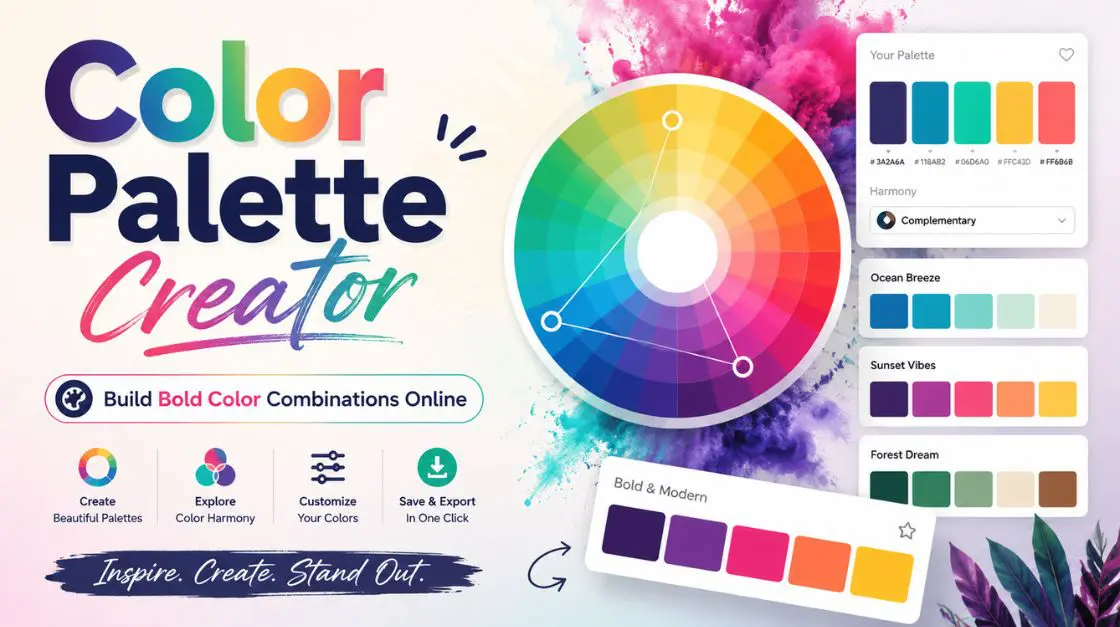
Choosing the right set of colors can make or break a coloring page, a room, or a piece of art. This isn’t a walkthrough or a checklist — it’s an online color combinations creator, built so you can test shades on screen instead of guessing with markers or paint.
Free vs. Premium: What Actually Changes
Free tools meet basic needs well. They let you start coloring today at no cost and with no commitment. Premium apps exist for a different reason: they add capability — saving, richer tools, uploads, exports — that free tools aren’t built to provide.
Neither option is objectively better. The right choice depends on how often you color, whether you want to save your progress, and whether you’d like to color your own uploaded designs instead of only built-in ones.
| Feature | Free Version | Premium Version |
|---|---|---|
| Saving result | Not available or session-only | Full save in PNG format |
| Advanced features | Not available | Custom palettes, advanced styling, zoom etc. |
| Cost | No cost | Paid subscription or one-time purchase |
If you color occasionally and don’t need to save your work between sessions, free browser-based games and apps will likely cover everything you need. If you color regularly, want to save projects, or want to upload and color your own designs, a premium app pays for itself quickly in features and flexibility.
Online Coloring Apps by Use Case
Different people come to this hobby for different reasons. Here’s how to match free and premium apps to your situation.
For Beginners
If you’re just starting out, begin with a free coloring game and a color theory tutorial before committing to a premium app. Recommended free tools: coloring games online and the coloring techniques for beginners guide. Recommended premium option: try the sampler mode before fully upgrading.
For Kids and Classrooms
Simple, no-signup games work well for short activities and classroom use. Recommended free tools: browser-based coloring games online with kid-friendly designs.
For Regular Hobbyists
If you color often, premium features like saving and advanced brushes make the biggest difference. Recommended premium app: browse adult coloring apps with expanded style libraries.
For Anyone With Their Own Design
If you already have a coloring page you want to color digitally — a scan, a photo, or a downloaded outline — a premium app that supports uploads is the right fit. Recommended premium app: see upload-enabled coloring apps.
How to Use an Online Coloring App or Game
Follow these steps to get the most out of any online coloring app, free or premium.
- Open the app or game. Most free games run directly in your browser; premium apps may be downloaded to a phone or tablet.
- Pick a design or upload your own. Choose from the built-in library, or, on a premium app, upload a coloring page you already have to color digitally.
- Choose your tools. Select a color palette, brush style, or fill tool depending on what the app offers.
- Color the design. Tap or click to fill sections, blending or shading if the app supports advanced styles.
- Save your progress. For premium apps, save partway through and return later; free tools may require finishing in a single session.
- Export or share your finished piece. Premium apps often let you export a high-resolution image or share it directly; free tools may offer only a basic screenshot option.
Troubleshooting tips: If the app runs slowly, try closing other browser tabs or switching to a lower-detail design. If colors won’t apply, confirm you’ve selected a fill tool rather than a brush tool. If an uploaded coloring page won’t process, check that the file is a supported image format and isn’t too large.
Frequently Asked Questions
Q: Are online coloring apps and games free?
A: Many are, including browser-based coloring games and a free color palette creator. Premium apps are optional and add features like saving, advanced styles, and uploads.
Q: What’s the difference between a coloring game and a coloring app?
A: Coloring games typically run in a browser with no download and offer a simpler, more casual experience. Coloring apps are usually downloaded to a phone or tablet and often include more advanced tools, especially in premium versions.
Q: Can I upload my own coloring page into an app?
A: Yes, on many premium apps. You can upload a coloring page — a scan, photo, or downloaded outline — and color it digitally using the app’s brushes and palettes instead of picking only from the built-in library.
Q: Does a free coloring app save my progress?
A: This depends on the specific tool. Many free browser-based games don’t require an account, so progress may not save between sessions. Premium apps typically include full saving and cloud sync.
Q: What extra features do premium coloring apps include?
A: Common premium features include saving and syncing progress across devices, advanced brushes and shading styles, the ability to upload your own designs, larger built-in libraries, ad-free sessions, and higher-quality export options.
Q: Are coloring apps for adults different from kids’ coloring games?
A: Yes. Adult-focused apps typically offer more intricate designs, such as mandalas and detailed scenes, along with more advanced coloring tools compared to simpler, bolder kids’ games.
Q: Can I export or print what I color in an app?
A: It depends on the app. Premium apps commonly include export tools for saving a high-resolution image or sending your finished piece to a printer; free tools may offer limited or no export options.
Q: Do I need an account to use a coloring game online?
A: Usually not for free browser-based games. Premium apps typically require an account to save progress and sync across devices.
Q: How do I know if a premium coloring app is worth it?
A: If you find yourself wanting to save projects, use more advanced brushes, or color your own uploaded designs instead of only built-in ones, a premium app typically pays off quickly.
